
最近搜索
小程序 弹出 窗口

管理员
2020-06-30 16:34
https://developers.weixin.qq.com/miniprogram/dev/api/ui/interaction/wx.showToast.html
文档这里查看
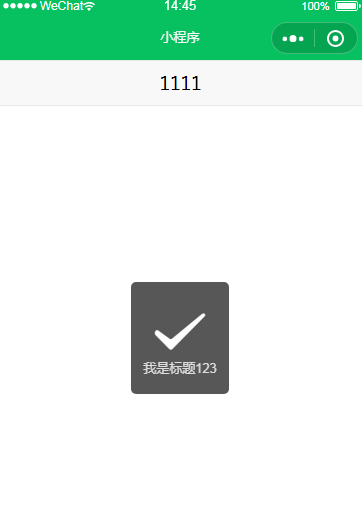
wx.showToast({
title: '成功',
icon: 'success',
duration: 2000
})
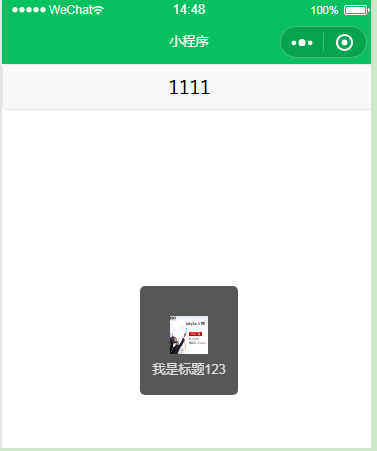
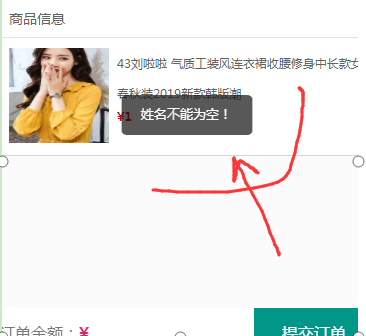
wx.showToast({
title: res.data.msg,
icon: 'none',
duration: 2000
})
加载中
wx.showLoading({
title: '加载中',
mask:true
})

 mask:true   背景按钮不能点击。


setTimeout(function () {
wx.hideLoading()
}, 2000)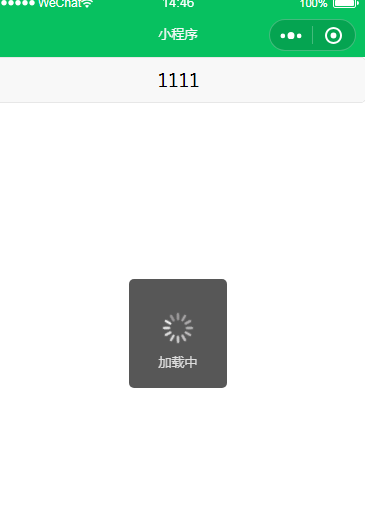
带 确定 取消的窗口 模态窗口
wx.showModal({
  title: '提示',
  content: '这是一个模态弹窗',
  success (res) {
    if (res.confirm) {
      console.log('用户点击确定')
    } else if (res.cancel) {
      console.log('用户点击取消')
    }
  }})


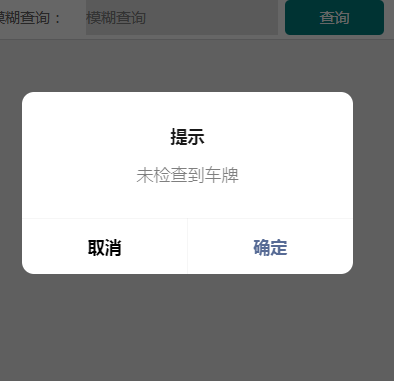
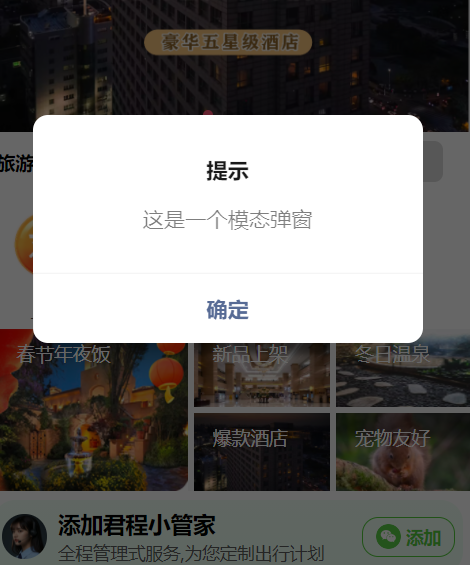
 wx.showModal({
      title: '提示',
      showCancel:false,// 是否显示取消按钮 false没有取消按钮   true有取消按钮
      content: '这是一个模态弹窗',
      success (res) {
        if (res.confirm) {
          console.log('用户点击确定')
        } else if (res.cancel) {
          console.log('用户点击取消')
        }
      }
    })
| 属性 | 类型 | 默认值 | 必填 | 说明 | 最低版本 |
|---|---|---|---|---|---|
| title | string | 否 | 提示的标题 | ||
| content | string | 否 | 提示的内容 | ||
| showCancel | boolean | true | 否 | 是否显示取消按钮 | |
| cancelText | string | 取消 | 否 | 取消按钮的文字,最多 4 个字符 | |
| cancelColor | string | #000000 | 否 | 取消按钮的文字颜色,必须是 16 进制格式的颜色字符串 | |
| confirmText | string | 确定 | 否 | 确认按钮的文字,最多 4 个字符 | |
| confirmColor | string | #576B95 | 否 | 确认按钮的文字颜色,必须是 16 进制格式的颜色字符串 | |
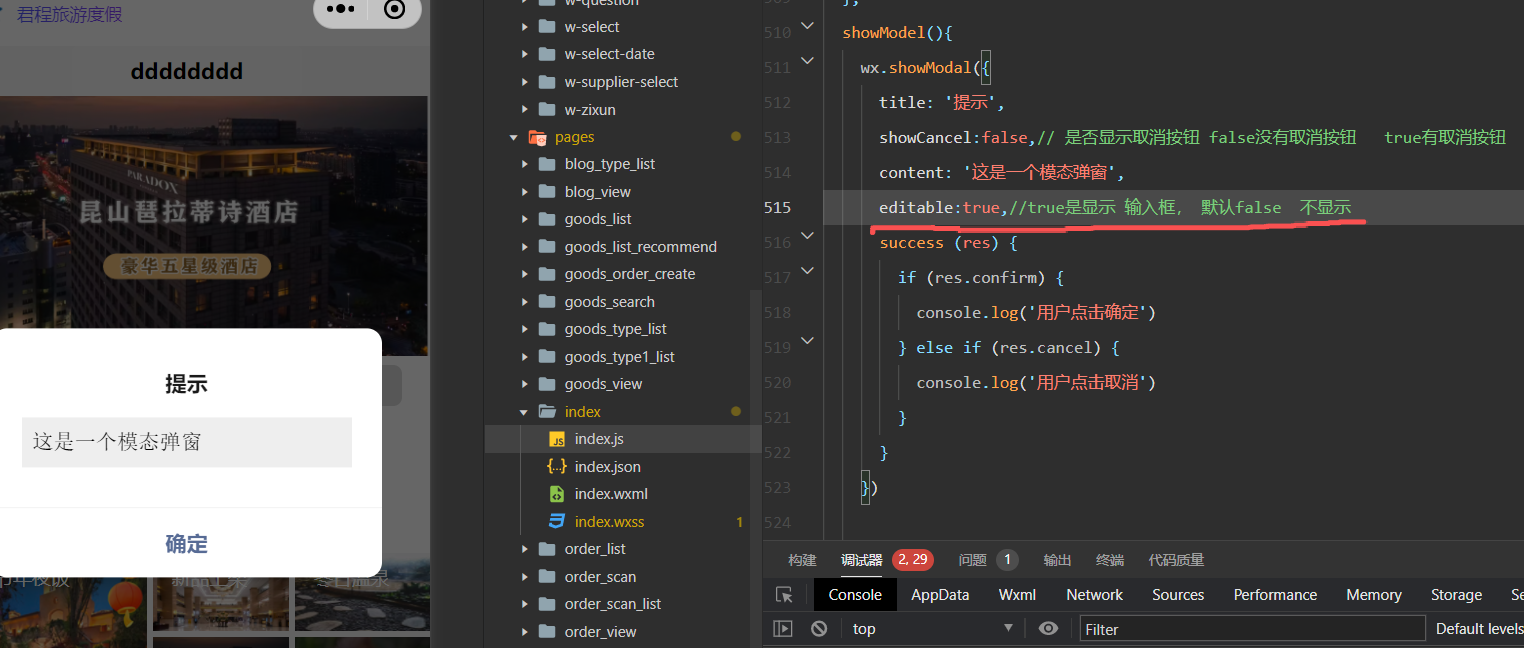
| editable | boolean | false | 否 | 是否显示输入框 | 2.17.1 |
| placeholderText | string | 否 | 显示输入框时的提示文本 | 2.17.1 | |
| success | function | 否 | 接口调用成功的回调函数 | ||
| fail | function | 否 | 接口调用失败的回调函数 | ||
| complete | function | 否 | 接口调用结束的回调函数(调用成功、失败都会执行) |
弹出列表组件
| 属性 | 类型 | 默认值 | 必填 | 说明 | 最低版本 |
|---|---|---|---|---|---|
| alertText | string | 否 | 警示文案 | 2.14.0 | |
| itemList | Array.<string> | 是 | 按钮的文字数组,数组长度最大为 6 | ||
| itemColor | string | #000000 | 否 | 按钮的文字颜色 | |
| success | function | 否 | 接口调用成功的回调函数 | ||
| fail | function | 否 | 接口调用失败的回调函数 | ||
| complete | function | 否 | 接口调用结束的回调函数(调用成功、失败都会执行) |
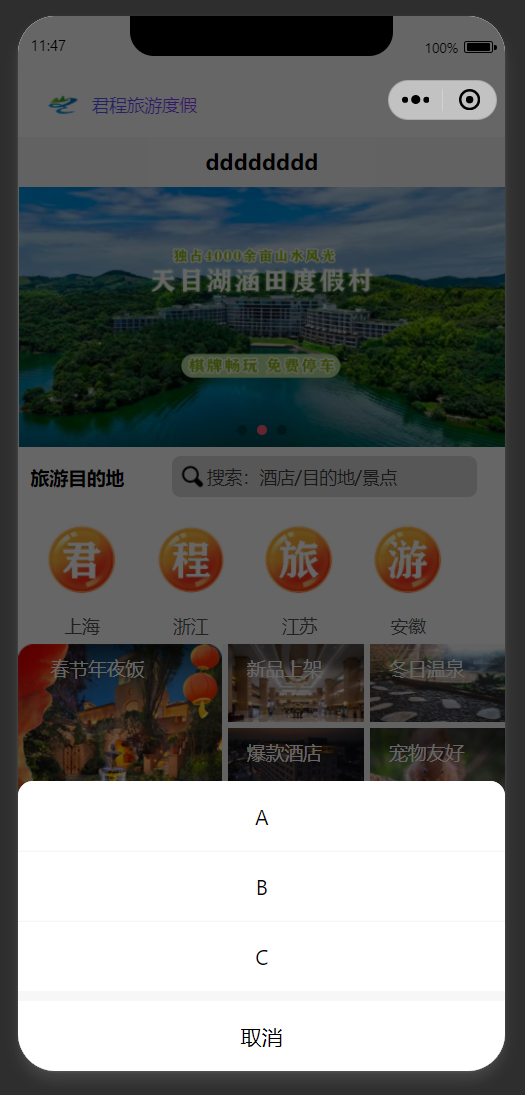
  showModel(){
    wx.showActionSheet({
      itemList: ['A', 'B', 'C'],
      success (res) {
        console.log(res.tapIndex)
      },
      fail (res) {
        console.log(res.errMsg)
      }
    })

  }
联系站长
站长微信:xiaomao0055
站长QQ:14496453
按分类分组
按日期分组